AirPrint
Wireless AirPrint
Send jobs through the iOS print sheet to nearby AirPrint-compatible printers without moving files to a desktop.
Nearby
12
Recent
4
Favorites
9
AirPrint Pro gives iPhone users a clean way to print photos, PDFs, labels, contacts, scans, and documents on nearby AirPrint-compatible printers, including HP, Canon, Epson, and Brother models.
How to Connect?
Pair your device and printer in just a few taps.
Photos
Print from your gallery.
Document
Print from your files.
Scanner
Scan documents quickly.
Emails
Print from email apps.
Google Drive
Print from Drive files.
Labels
Create label sheets.
Contact
Print contact cards.
Plain Text
Type and print text.
The interface is built around speed: prepare the file, confirm the preview, choose the printer, and send the job without hunting through buried menus.
AirPrint
Send jobs through the iOS print sheet to nearby AirPrint-compatible printers without moving files to a desktop.
Nearby
12
Recent
4
Favorites
9
Scanner
Capture contracts, forms, and receipts, clean them up automatically, and send them straight to print or share.
Camera scan
Receipts to PDFs
Photos
Print iPhone photos as 4x6, square, borderless, or small test prints with preview checks before paper is wasted.
4x6
Square
A4
Compatibility
Built around AirPrint-compatible HP, Canon, Epson, Brother, Samsung, Xerox, and other network printers.
AirPrint Pro covers everyday sources beyond basic photos and PDFs, including cloud files, labels, contacts, text, and printer recovery help.
Files
Open PDFs, images, text files, spreadsheets, presentations, Word documents, and files from connected providers such as Google Drive.
Labels
Build printable label sheets with shape, template, sticker, crop, and preview steps before sending them to print.
Text
Turn contact details or typed text into a printable file on-device, with sharing controls before anything leaves the app.
History
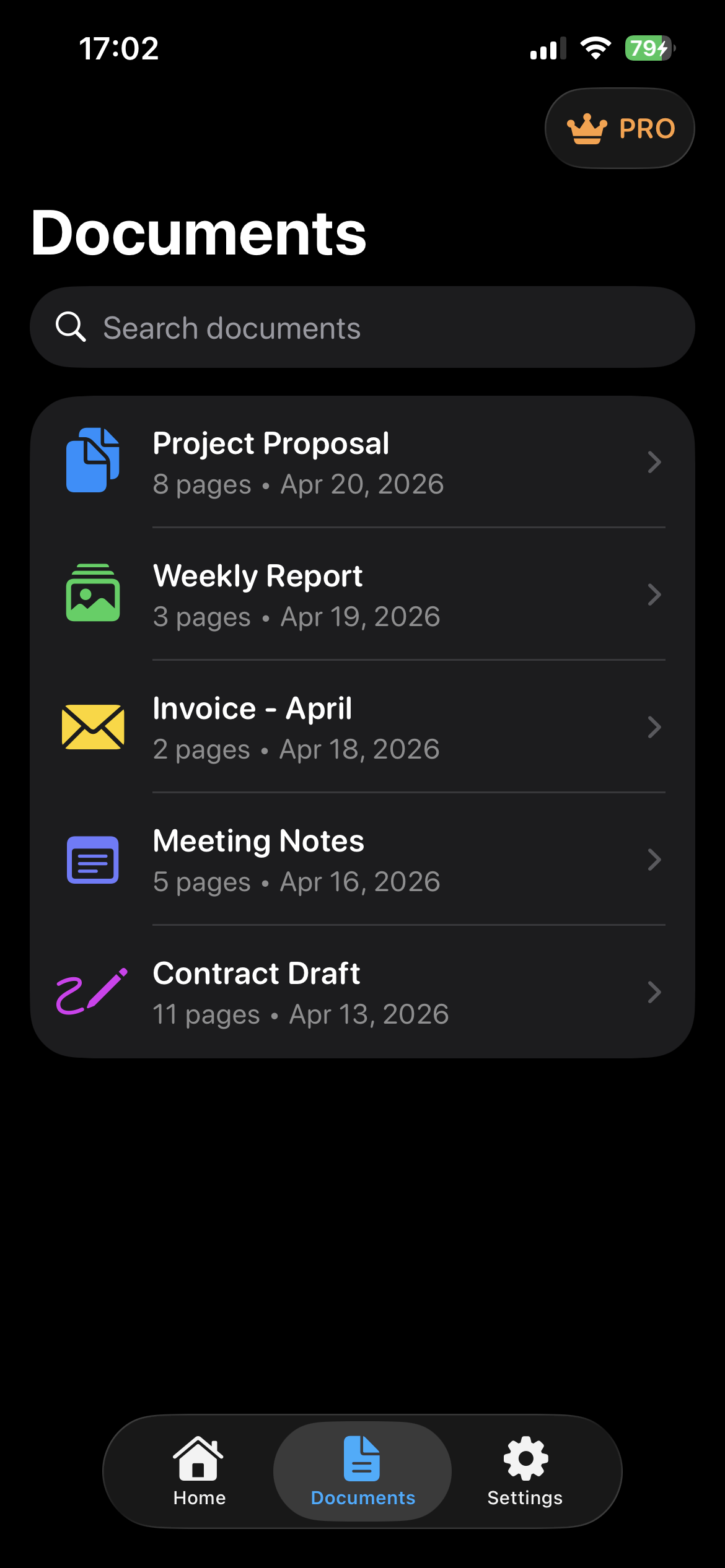
Recent print and scan items stay searchable in the Documents tab, with fast preview and swipe-to-print actions.
Help
Built-in WPS, laptop setup, email-attachment, and how-to-print guides help users recover when printer discovery fails.
Diagnostics
Open the printer picker, check reachability, review color and duplex support, and follow practical network recovery steps.
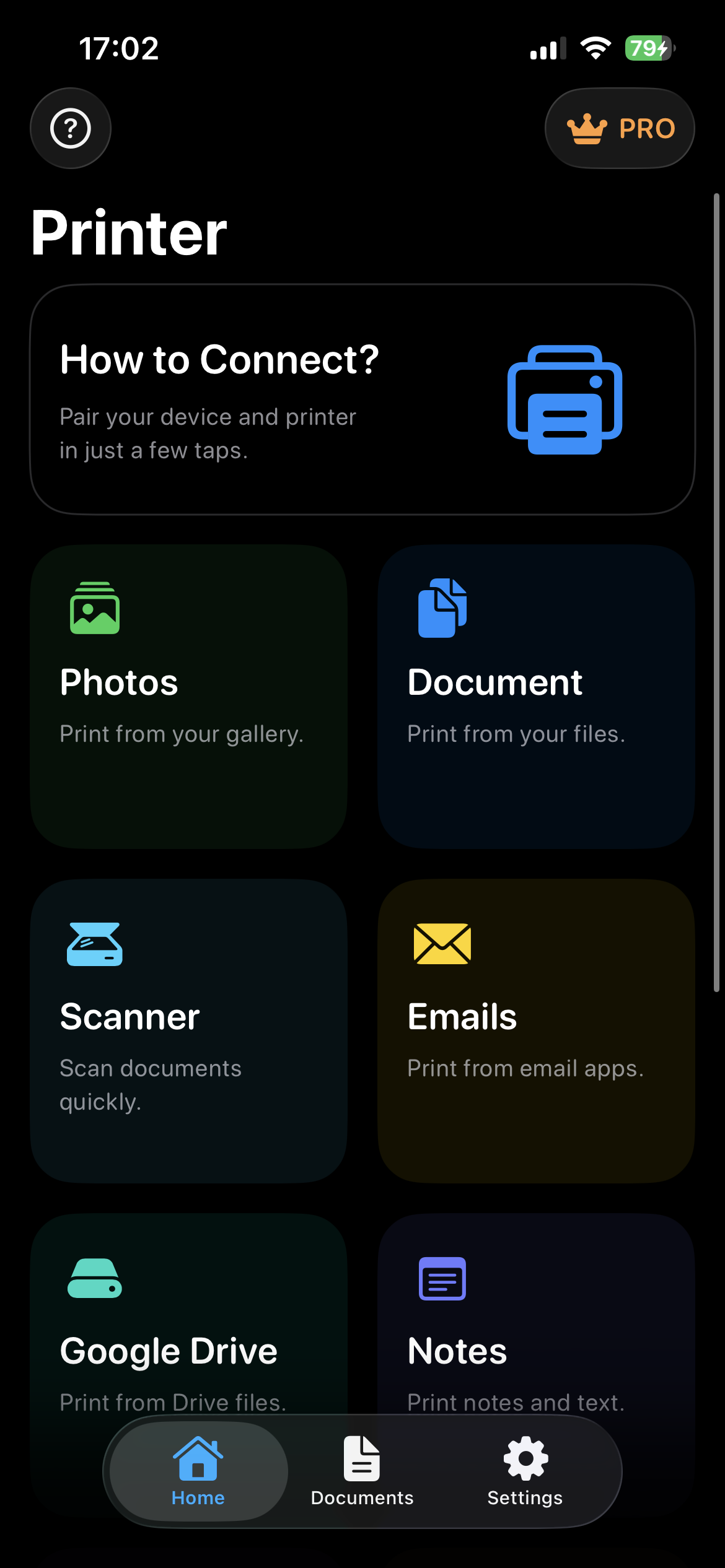
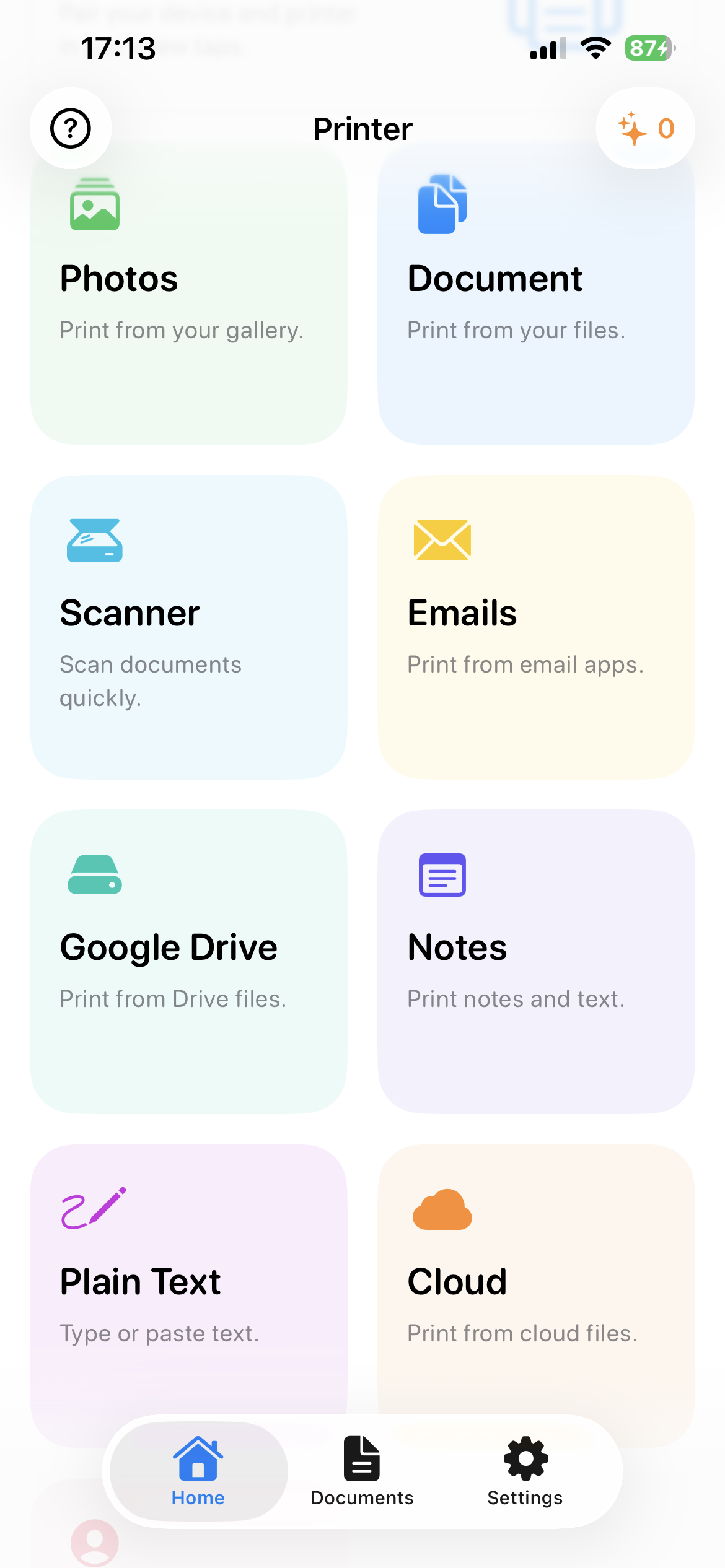
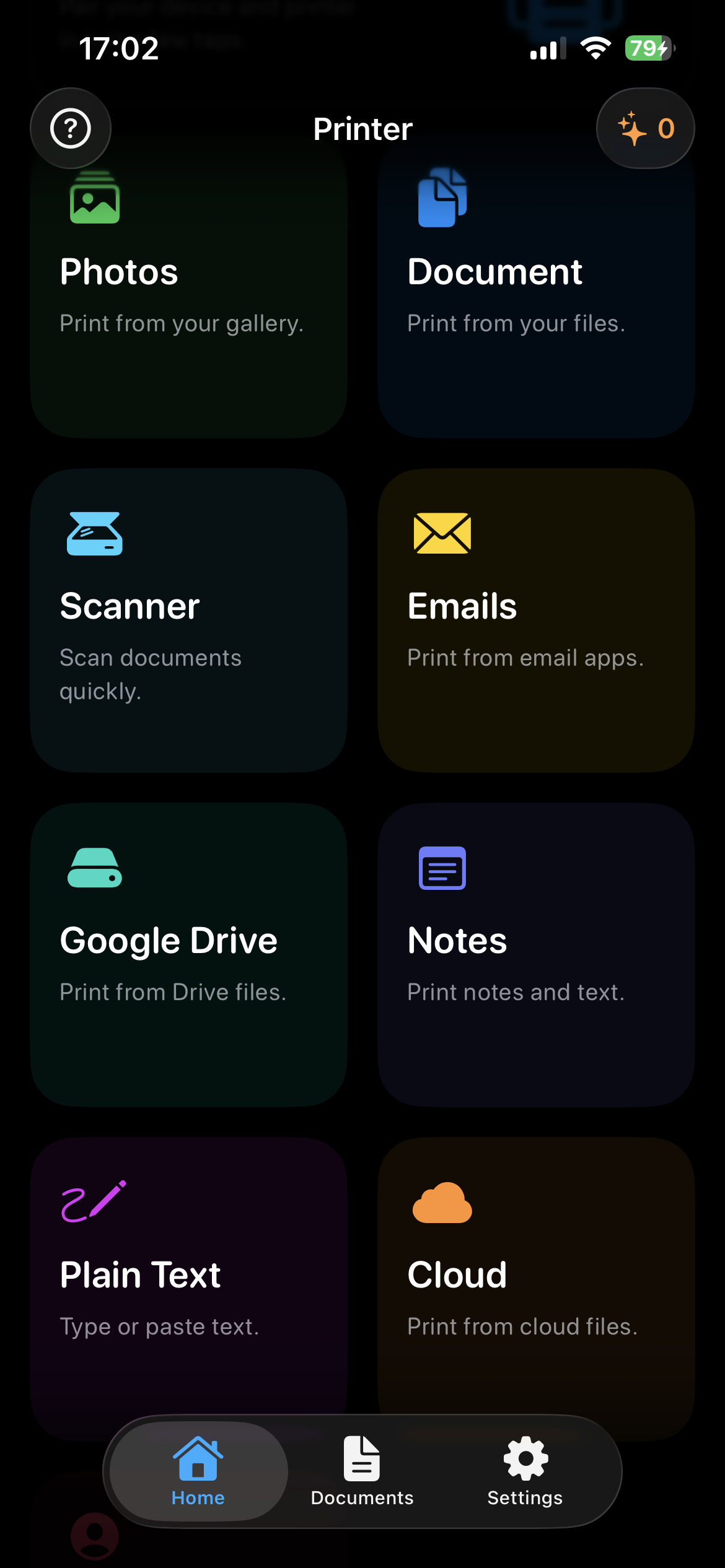
The screenshots show the main app areas users return to: source selection, document history, and print-ready content flows.
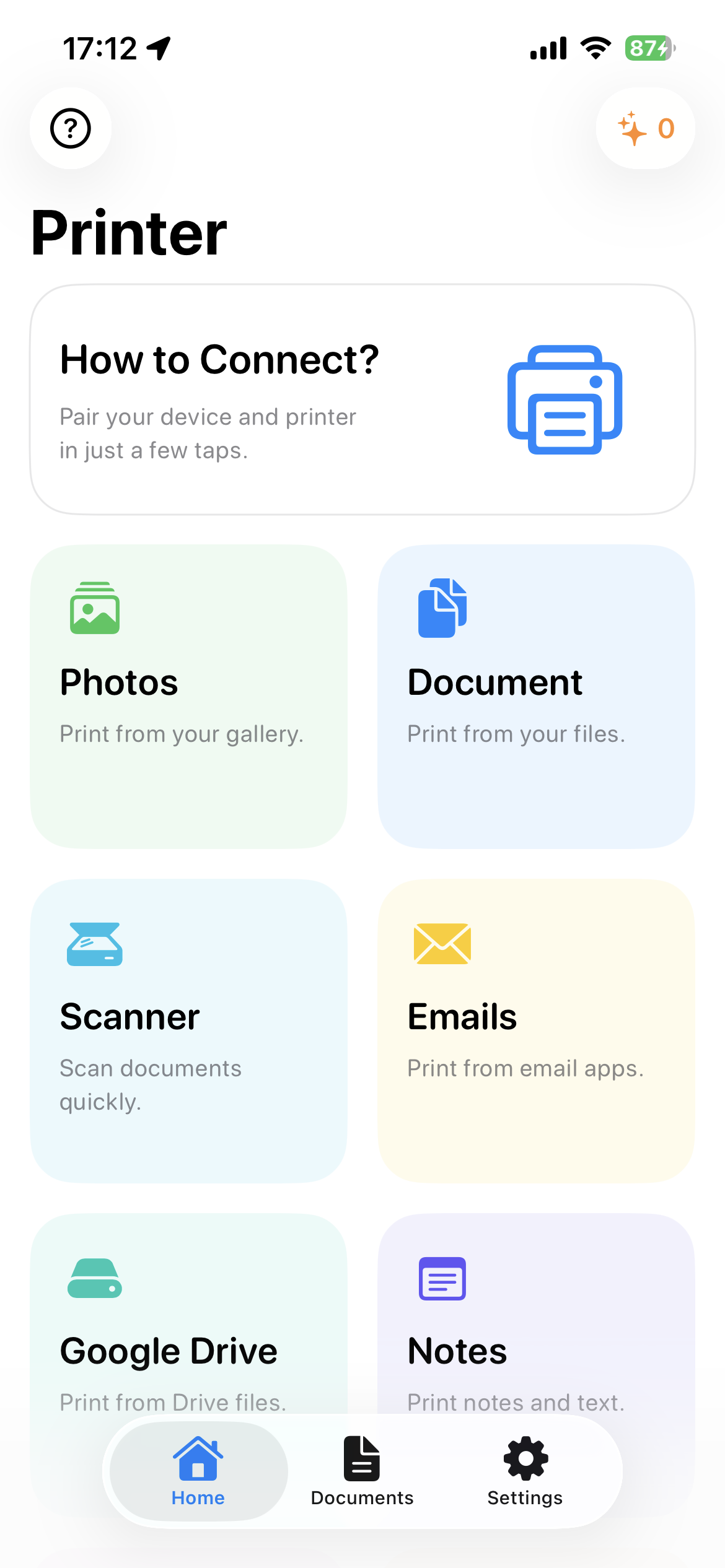
Light mode
Dark mode
Start with Photos, Document, Scanner, Email, Google Drive, Plain Text, Labels, Contact printing, and setup help.
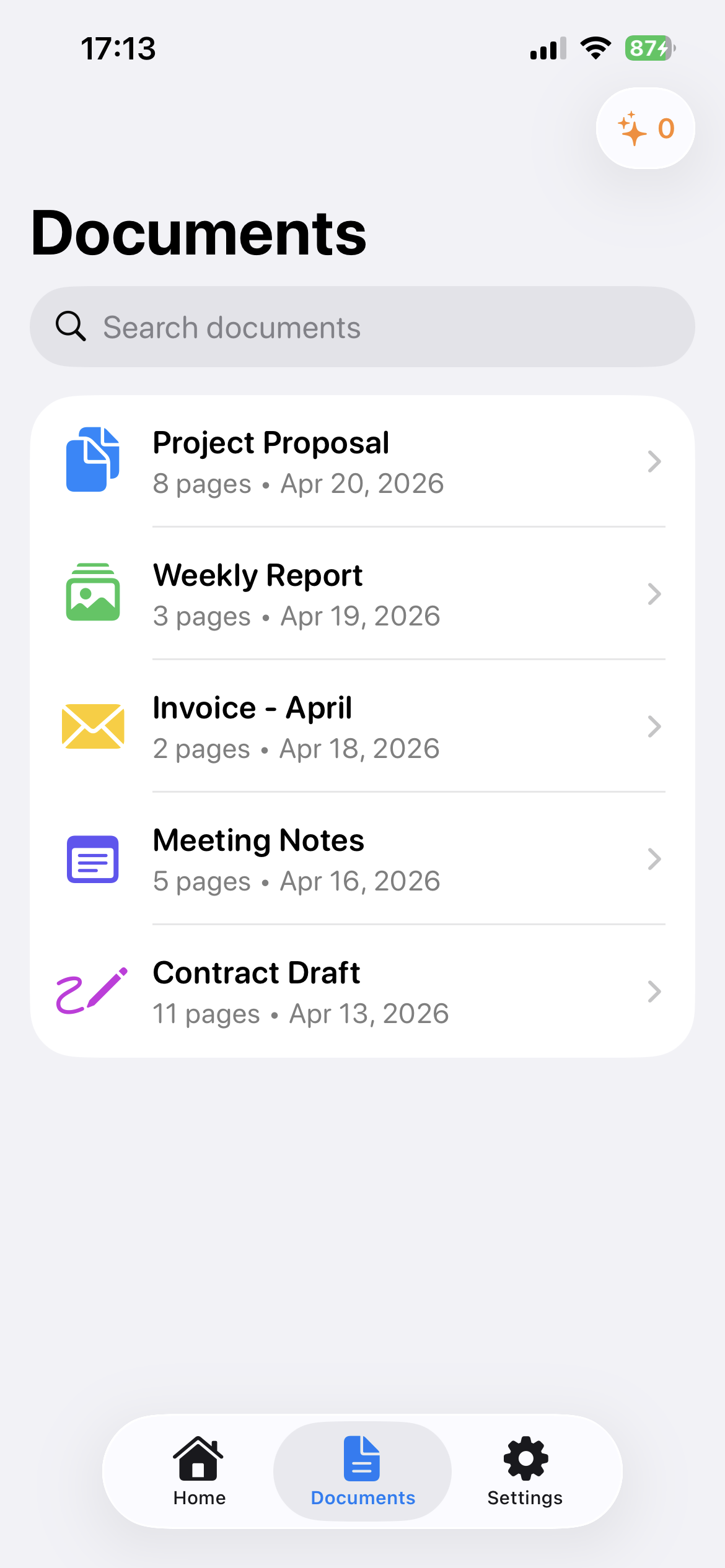
Light mode
Dark mode
Review recent files, search documents, reopen notes, and send saved print items back to preview or print.
Light mode
Dark mode
Use gallery photos, files, scanner, email attachments, cloud files, text, labels, and contacts from one source picker.
From school packets to return labels, the goal is simple: fewer failed jobs, clearer printer status, and less time lost moving files to a desktop.